Guide
A thought, one step at a time.
These views use fictional sample content in the German app interface. The guide explains the main actions; labels and availability may change during the beta.
The iPhone app is currently available in German only. iPhone, iPad and Apple Watch are in testing.
01
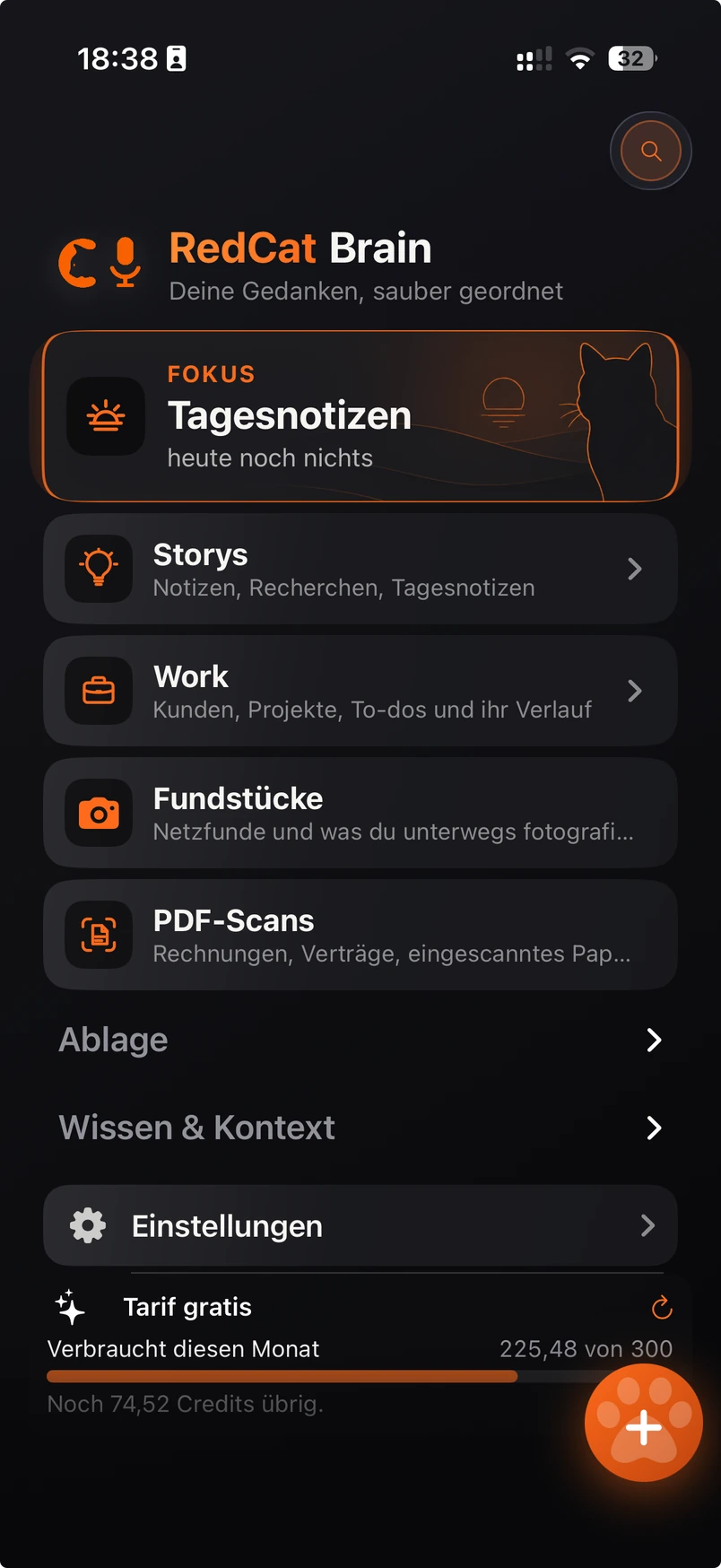
Start with a place for your thoughts
Open Storys or Tagesnotizen. Use daily notes when you do not yet know which project a thought belongs to. Choose a folder and category later.
02
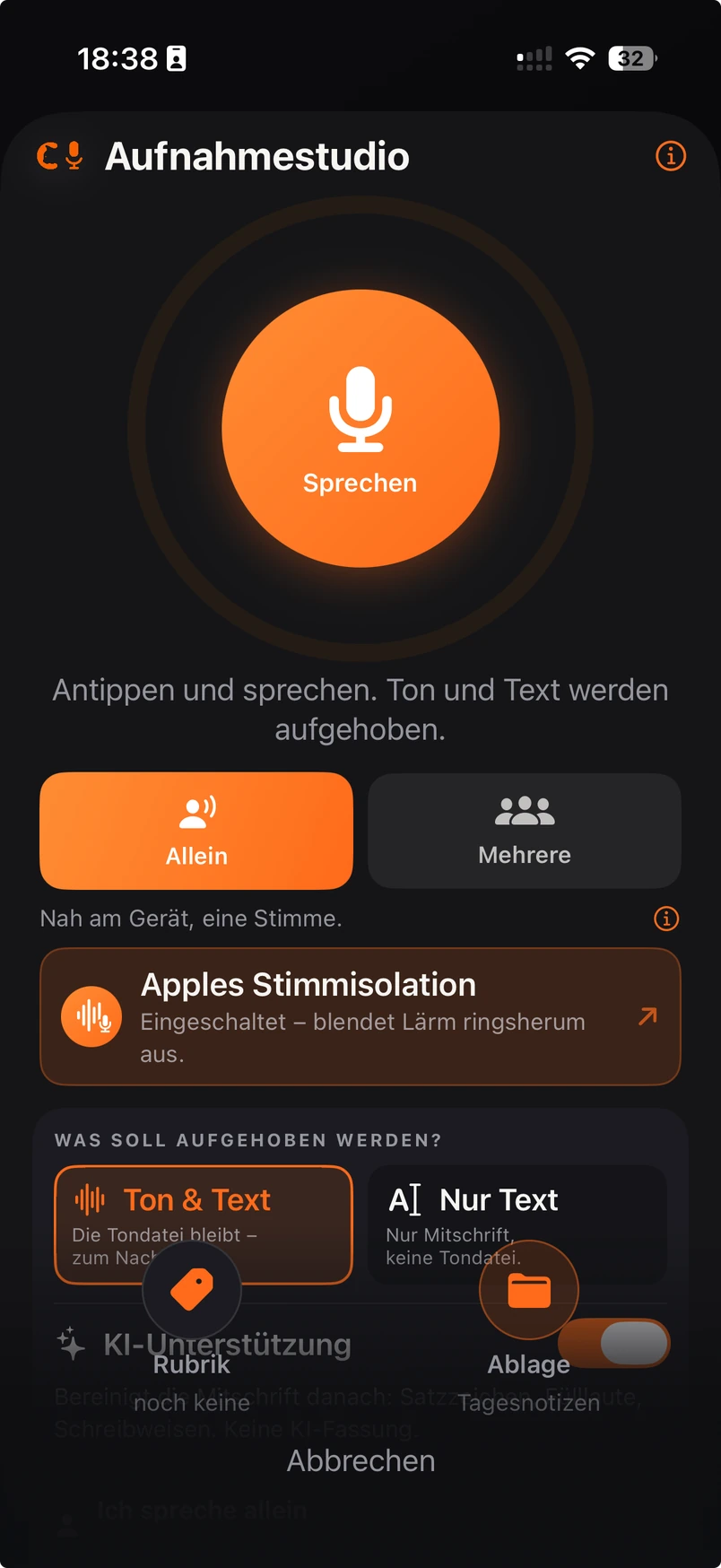
Choose sound and text
Open Aufnahmestudio. Ton & Text keeps sound with the text; Nur Text is for dictation. Review the KI-Unterstützung switch before starting: optional AI processing is different from Apple speech recognition.
03
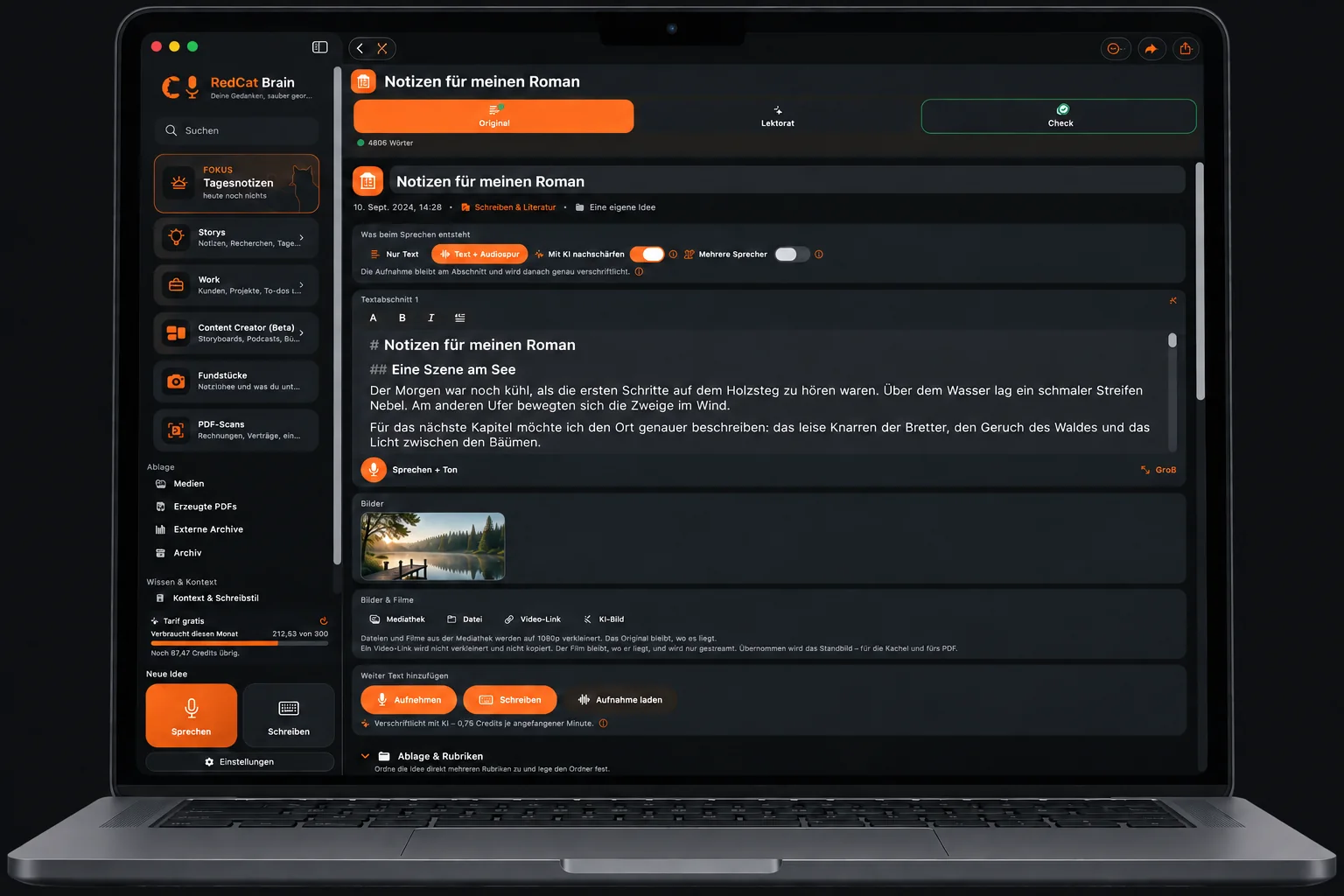
Continue inside an existing sentence
Open a post for editing, place the cursor in the text and start speaking at that section. Stop and check the join. Without a cursor position the words are added at the end; selecting another field can end dictation.
04
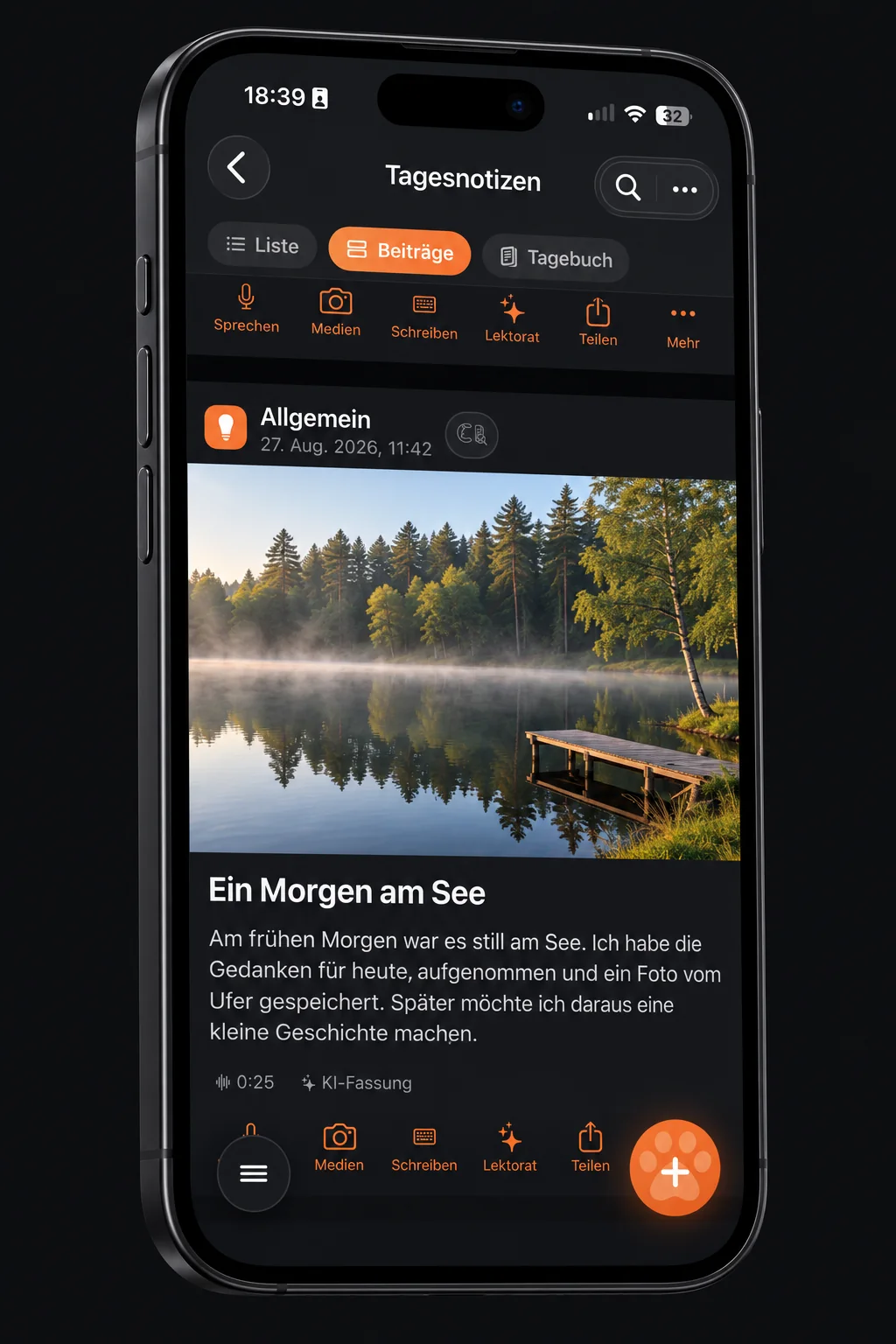
Read your own stream
Switch to the posts view in Storys or Tagesnotizen. Use Sprechen, Medien or Schreiben to add to a post. Visible videos play muted in the app and stop when out of view; external media need internet.
05
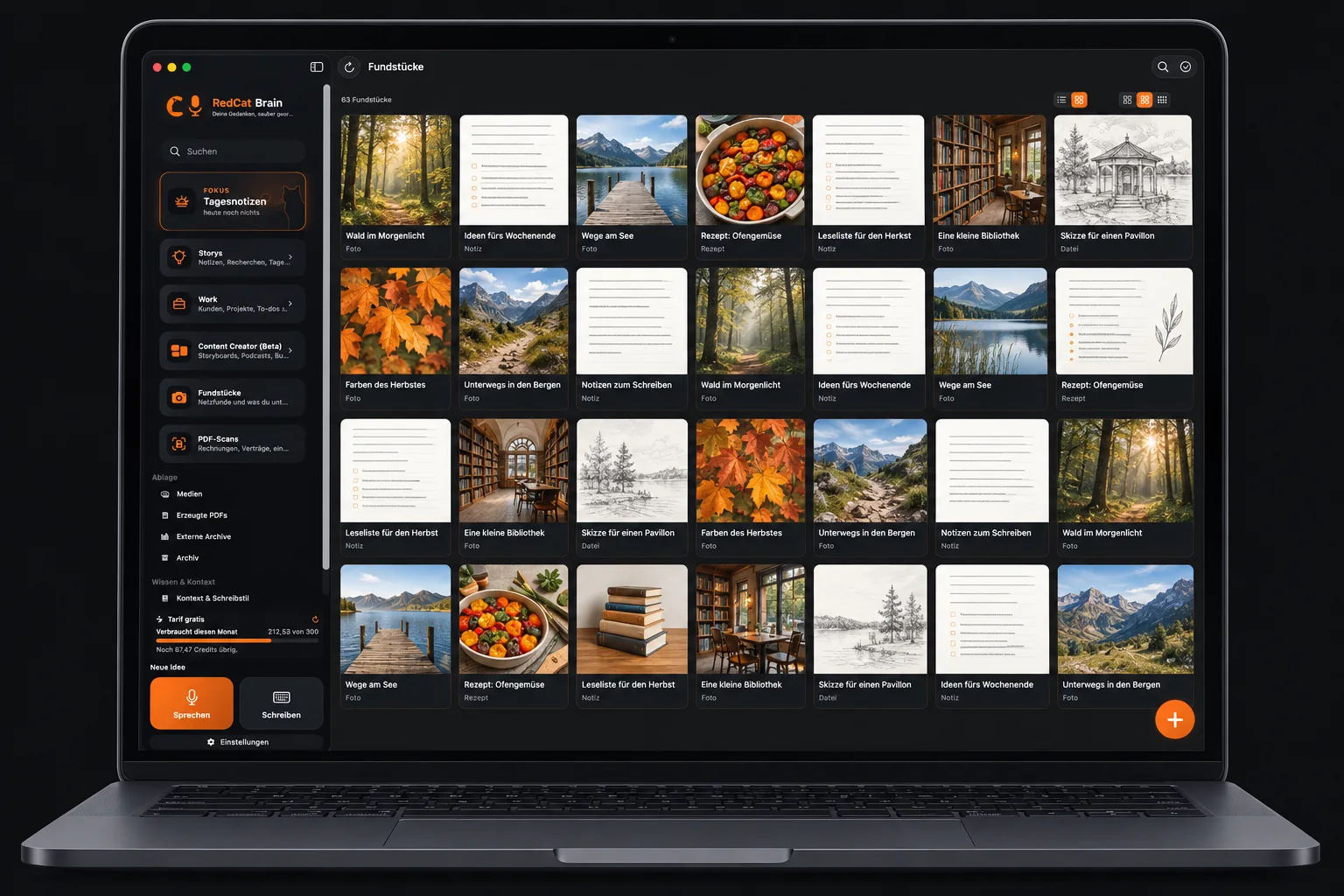
Collect and find again
Save a link, screenshot or photo in Fundstücke and add context. Scan paperwork into PDF-Scans, check the recognised text and correct titles or categories. Ordinary text search and AI question search are different tools.
06
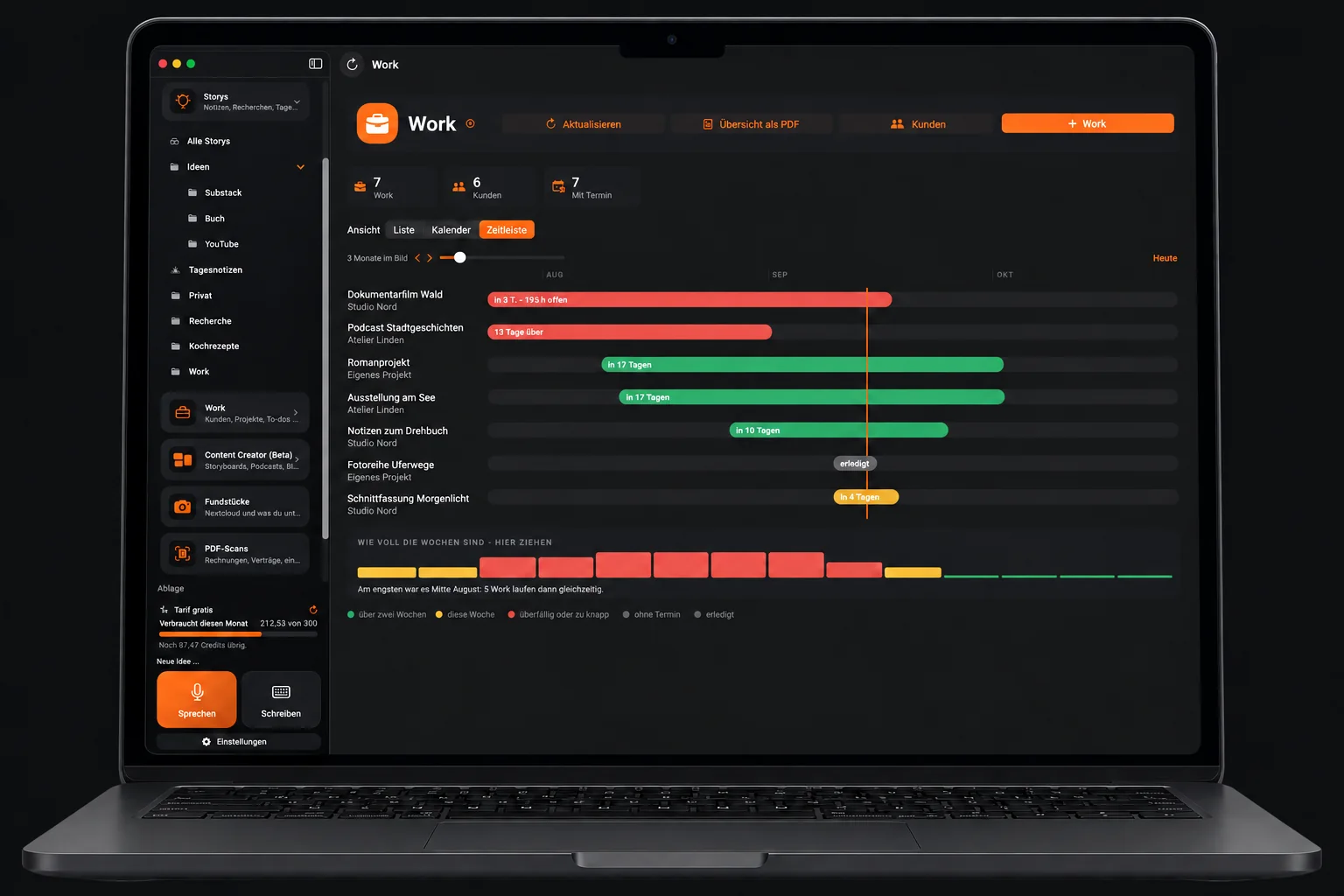
Organise work and develop a piece
In Work, connect clients, assignments, dates, tasks and effort. Use Content Creator for chapters, podcasts or film projects. Keep an outline, characters, takes, dialogue and timing together; these tools are still in beta.
07
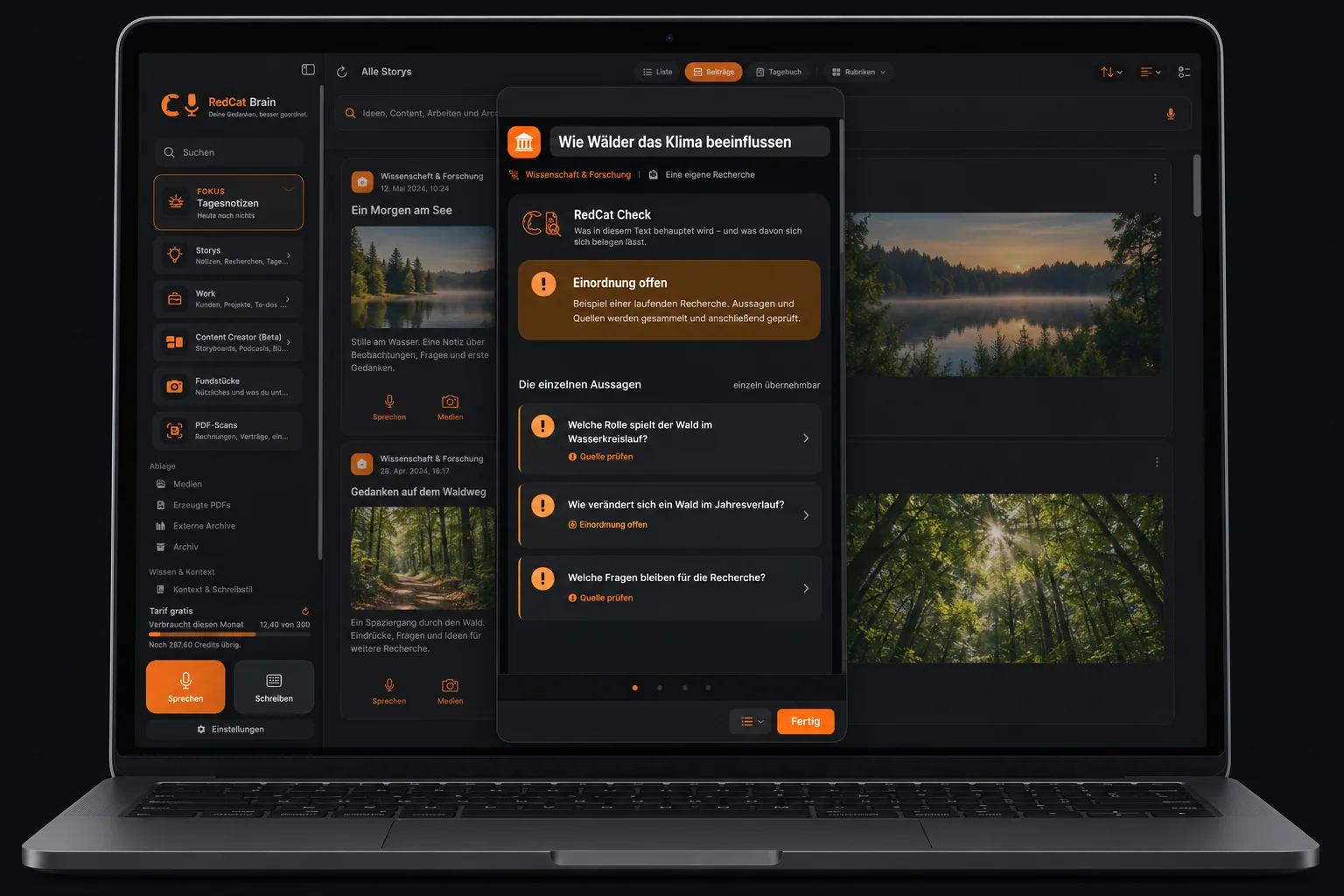
Check, export and back up
Use RedCat Check for individual claims and read its sources yourself. Export an intermediate or final PDF, check its preview and share the intended version. Back up your own folders independently; cloud synchronisation alone is not a backup.