
Free Mac beta · a personal project in development
The thought is here.
Make something of it.
Speak into your iPhone. Pick it up on your Mac. A sentence comes to you on the way home. Say it, add a photo, keep walking. Later, both are in your own stream: ready to read, find and take further. A story, a piece of research, a film — or a memory worth keeping.
RedCat Moments is available in all supported app languages on iPhone and iPad. The Apple Watch companion remains in testing.

Your personal media feed
Scroll through what matters to you.
Yesterday’s walk. A thought for your next interview. A video, a photograph, a half-finished sentence. Strom brings them together as readable posts, with large images and text you can actually read. It feels familiar, like a social feed, but it is your own collection — not a public network.
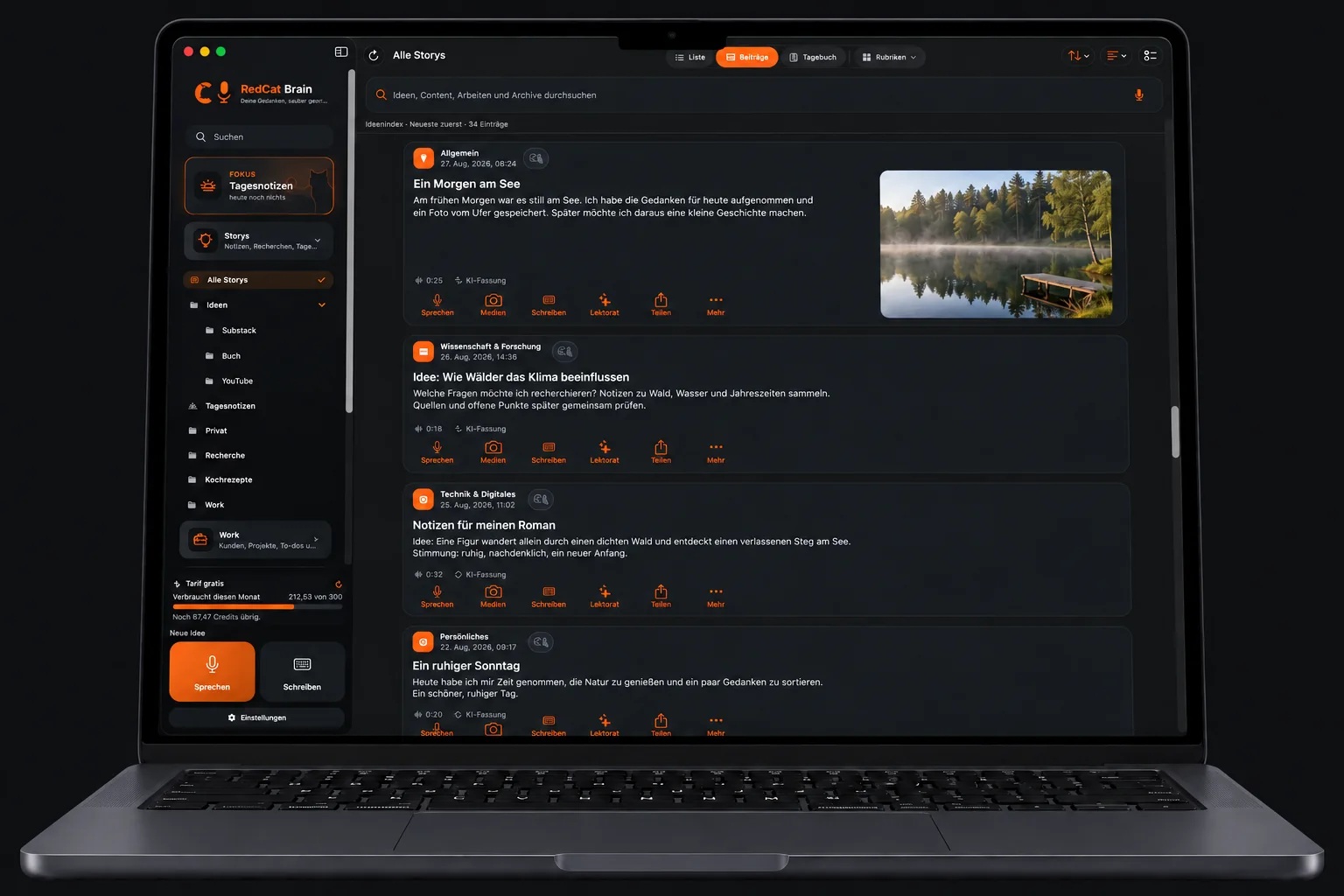
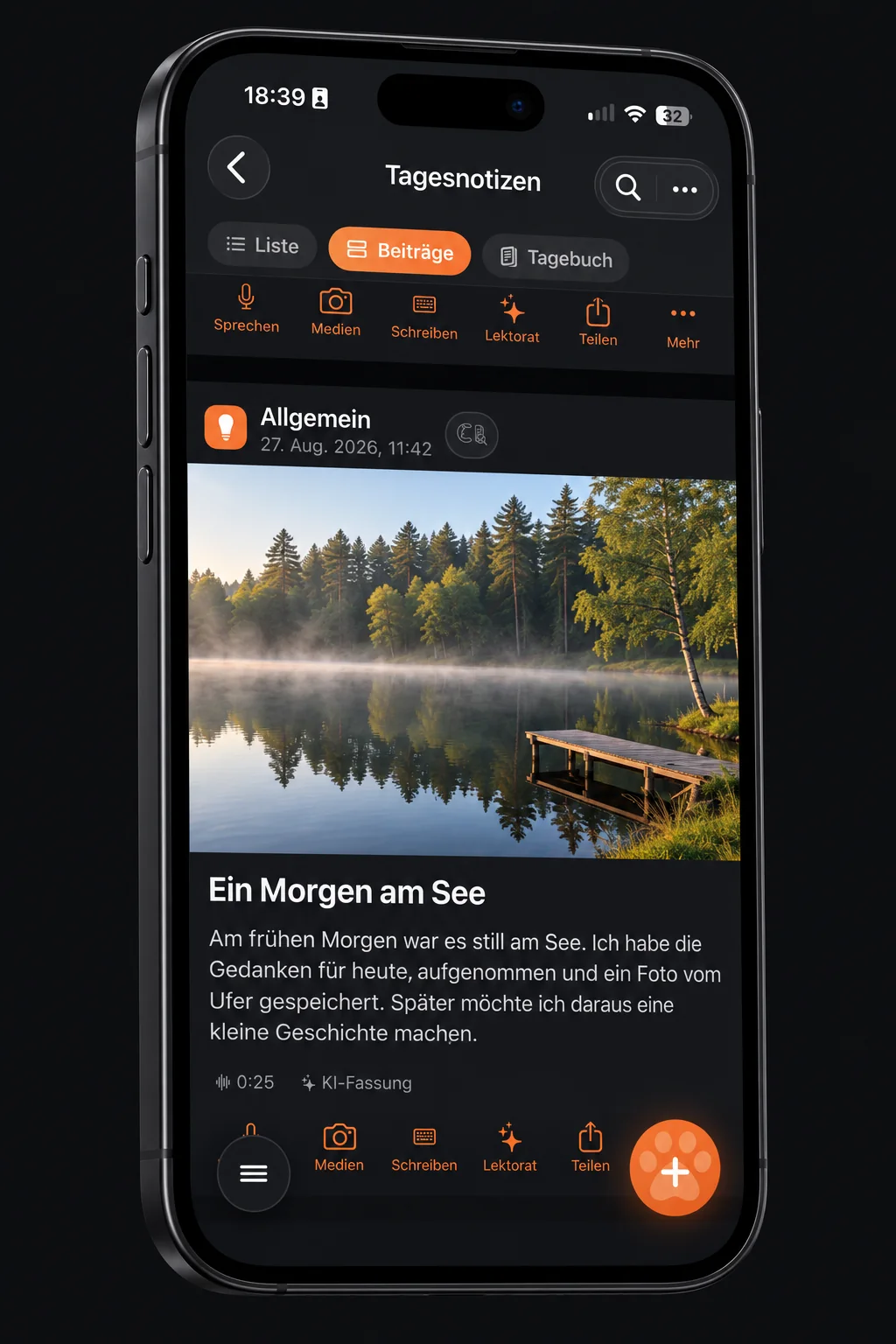
In the app, visible videos start muted and stop as you scroll away. External videos need an internet connection. Open a post to add words, sound or pictures.
App view with fictional sample content. The interface is in German.
Capture first. Sort later.
Say it before it slips away.
Choose whether to keep your voice as well as the text, or dictate text without keeping an audio file. You do not have to choose a folder before starting. Record up to two hours, or import MP3, M4A, WAV and video material for transcription.
Names, dialects and several people speaking still deserve a careful listen. Apple speech recognition and optional AI assistance are different things; offline dictation depends on your device, language and settings.

Daily notes & your diary
Two minutes can become a year you remember.
On the platform, on the walk home, at the end of a day: say what happened. Daily notes are the place for thoughts that do not yet have a home. Later, move them into folders, add categories and keywords, and revisit recurring themes in a monthly review.
Entries stay in chronological order. A week, month or year can become a diary, report or book with your photographs. AI summaries can make mistakes: check them against your originals. Device locks and your chosen storage help you keep control.
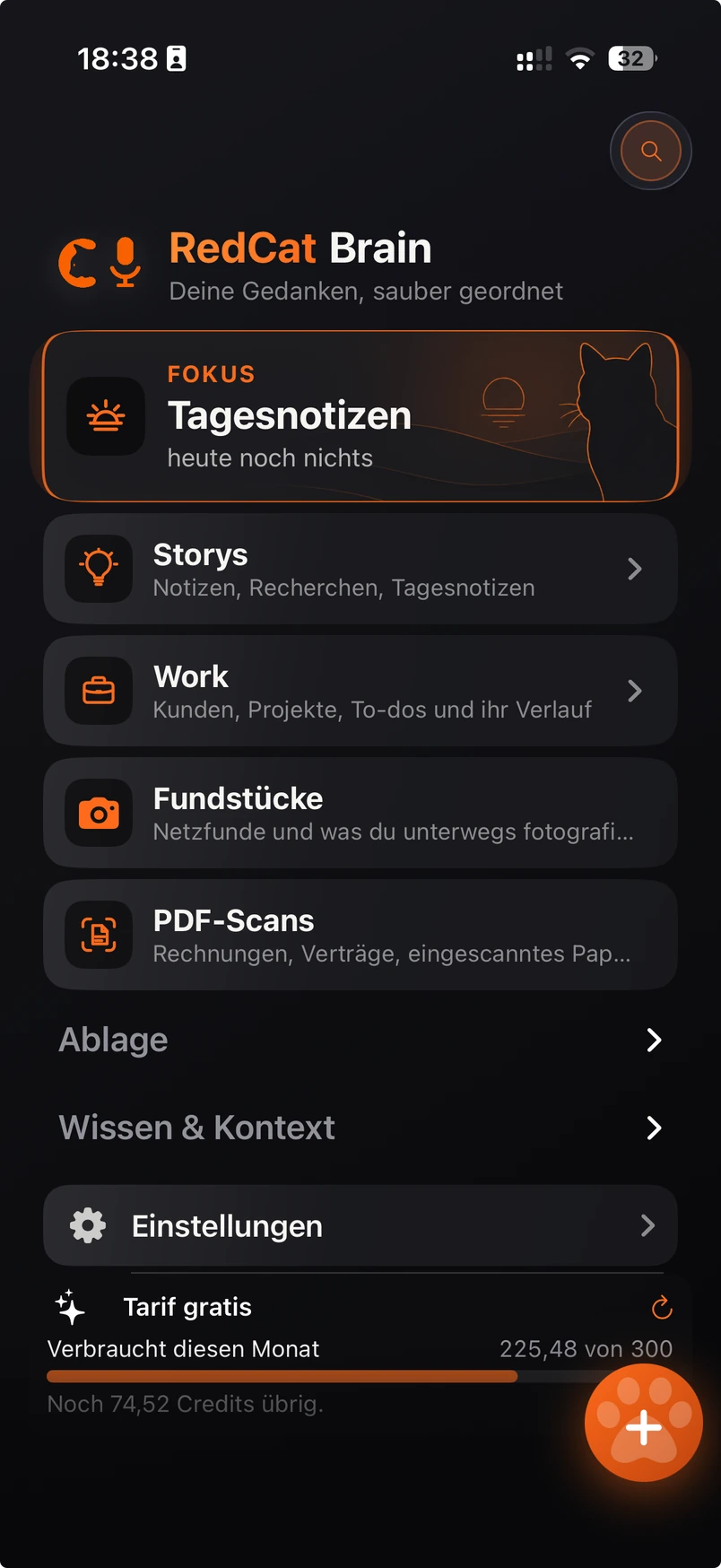
Continue in the middle of a sentence
The next thought does not belong at the end.
Reading your draft, you notice something missing. Place the cursor exactly there and continue dictating. New words go into that position, even inside an existing paragraph. Without a cursor position, text is appended.
Build the piece block by block: a paragraph, an image, another recording, a video. Rearrange and extend it. An early PDF can already go to a colleague while the rest is still taking shape.
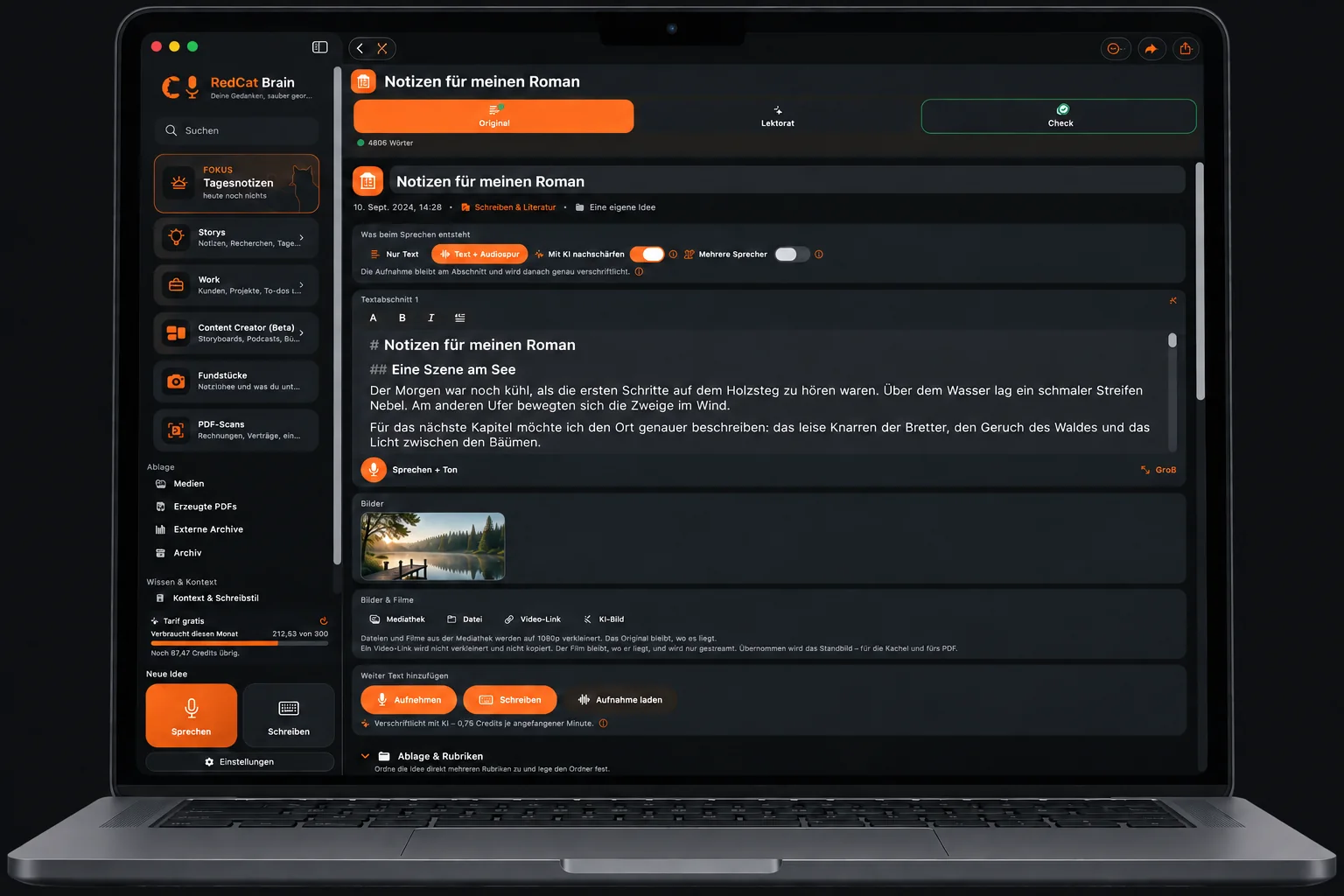
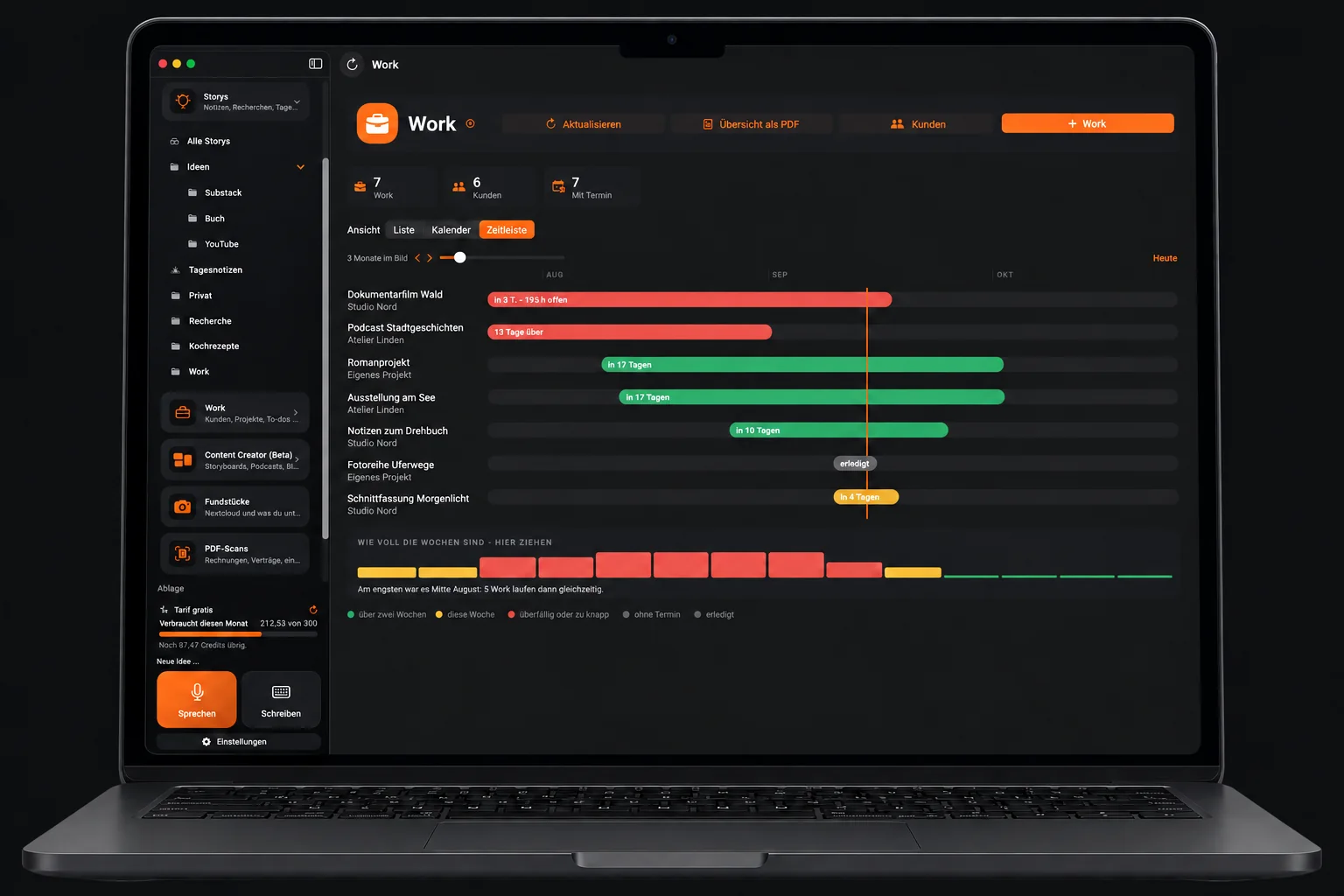
Work · several projects at once
An idea becomes an assignment. Then a workable plan.
A research project, a private diary and a film can sit side by side. Work connects clients, assignments, deadlines and to-dos, with list, calendar and timeline views. The original thought stays attached, so you can see where a job began.
Record working time, effort, materials and outside costs as you go. A project summary becomes useful for an invoice, a review or your next estimate — without scattering the story across separate notes.
Your original stays yours
AI writes alongside it. Not over it.
A rough note can remain rough until you are ready. The optional editor can suggest a clearer note, a shorter version, an article or a journalistic treatment. Your original remains separate; you decide what to use.
Read names, figures, dates, tone and uncertainty carefully in any generated version. AI is an aid to working with your own words, not a guarantee that every detail survives unchanged.
Content Creator · books, podcasts & video
First the structure. Then the finished piece.
Chapters, scenes, text fragments, pictures, sources and versions belong together before a longer project is finished. Plan podcast topics, speakers and guests; build a video outline or prepare a book.
RedCat Brain is the workbench before the final writing application. Take material onward into Word or Papyrus Autor when that suits your process. The workspace remains open to different forms of storytelling.
Screenwriting & directing
Keep the path from idea to final take in view.
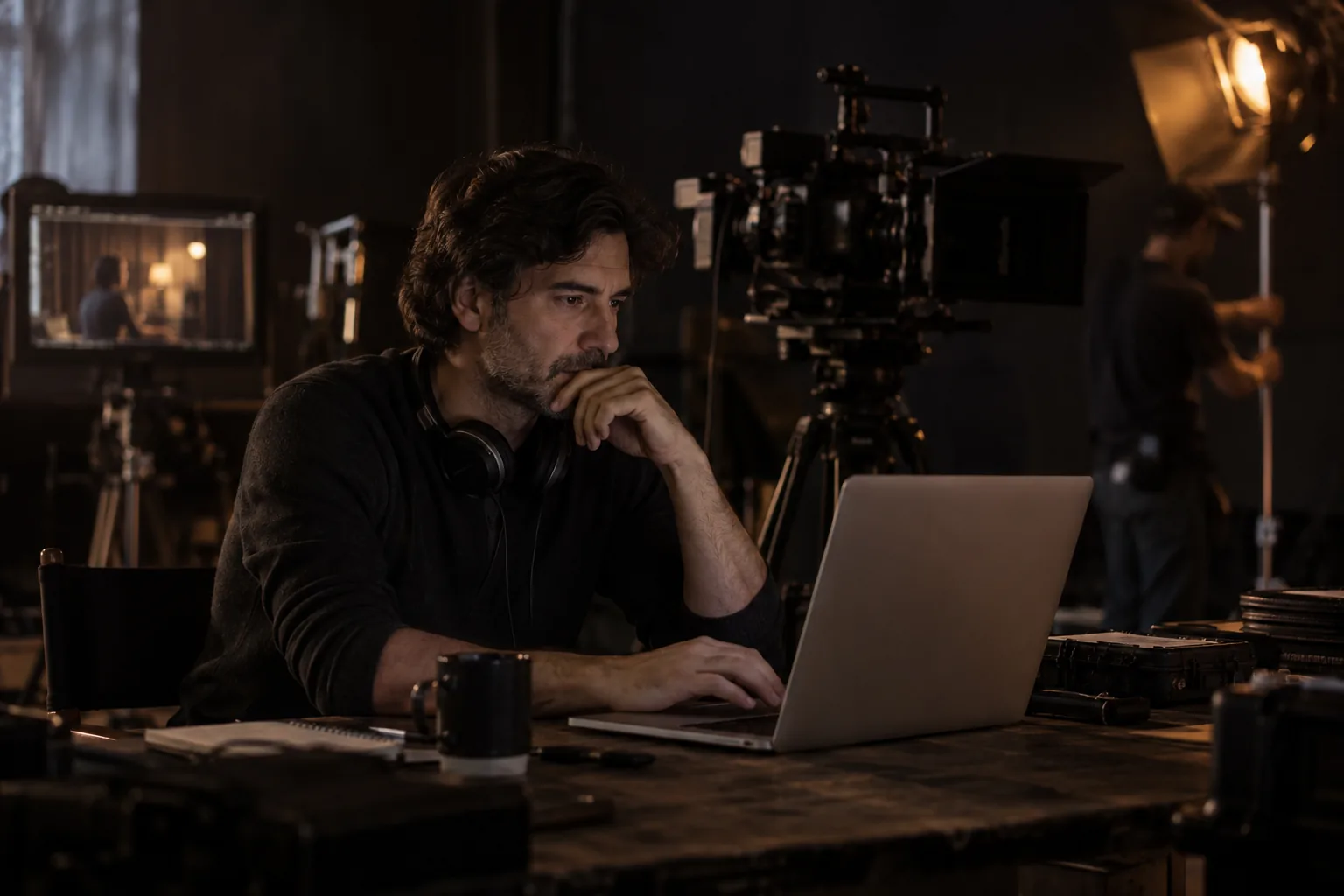
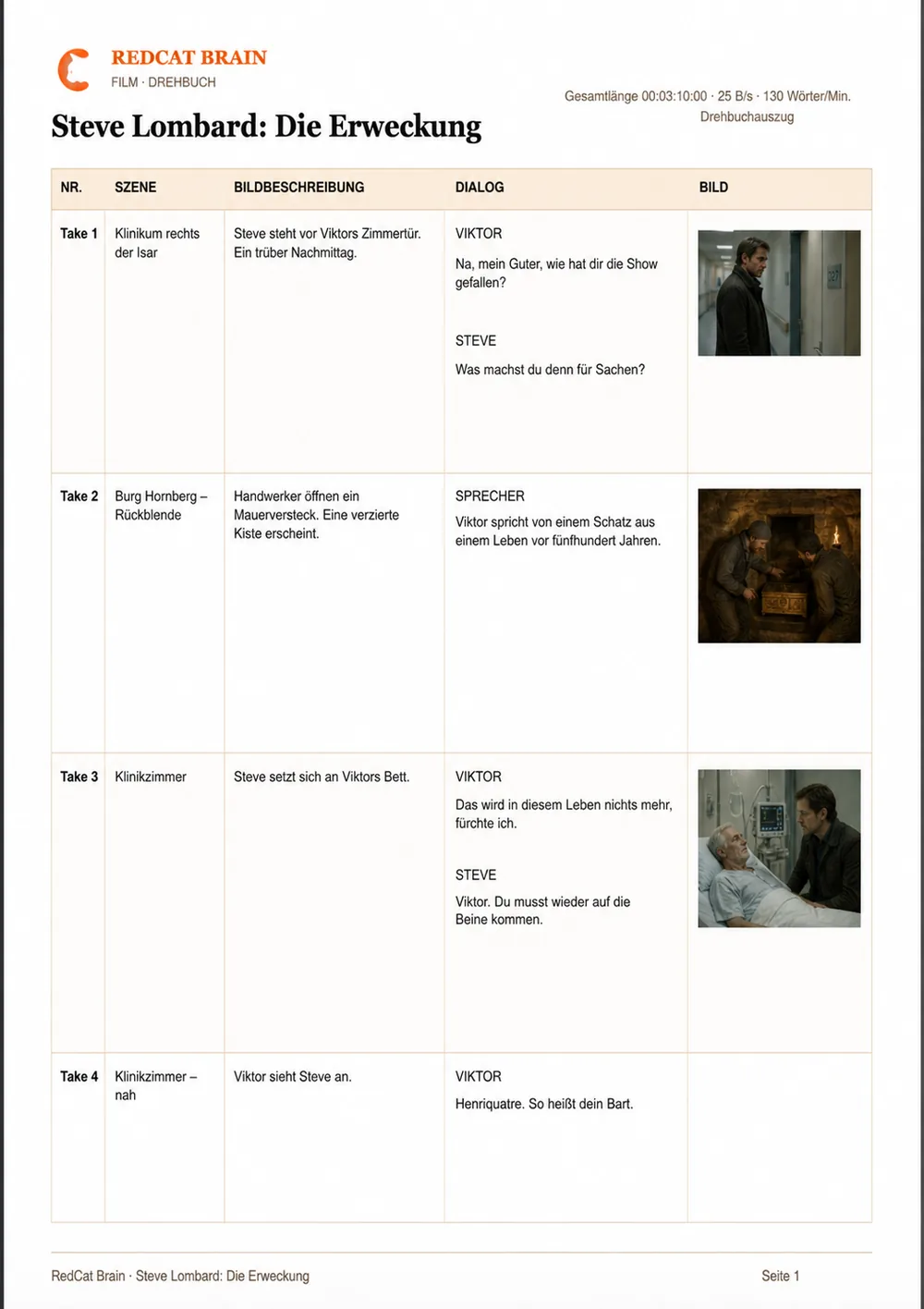
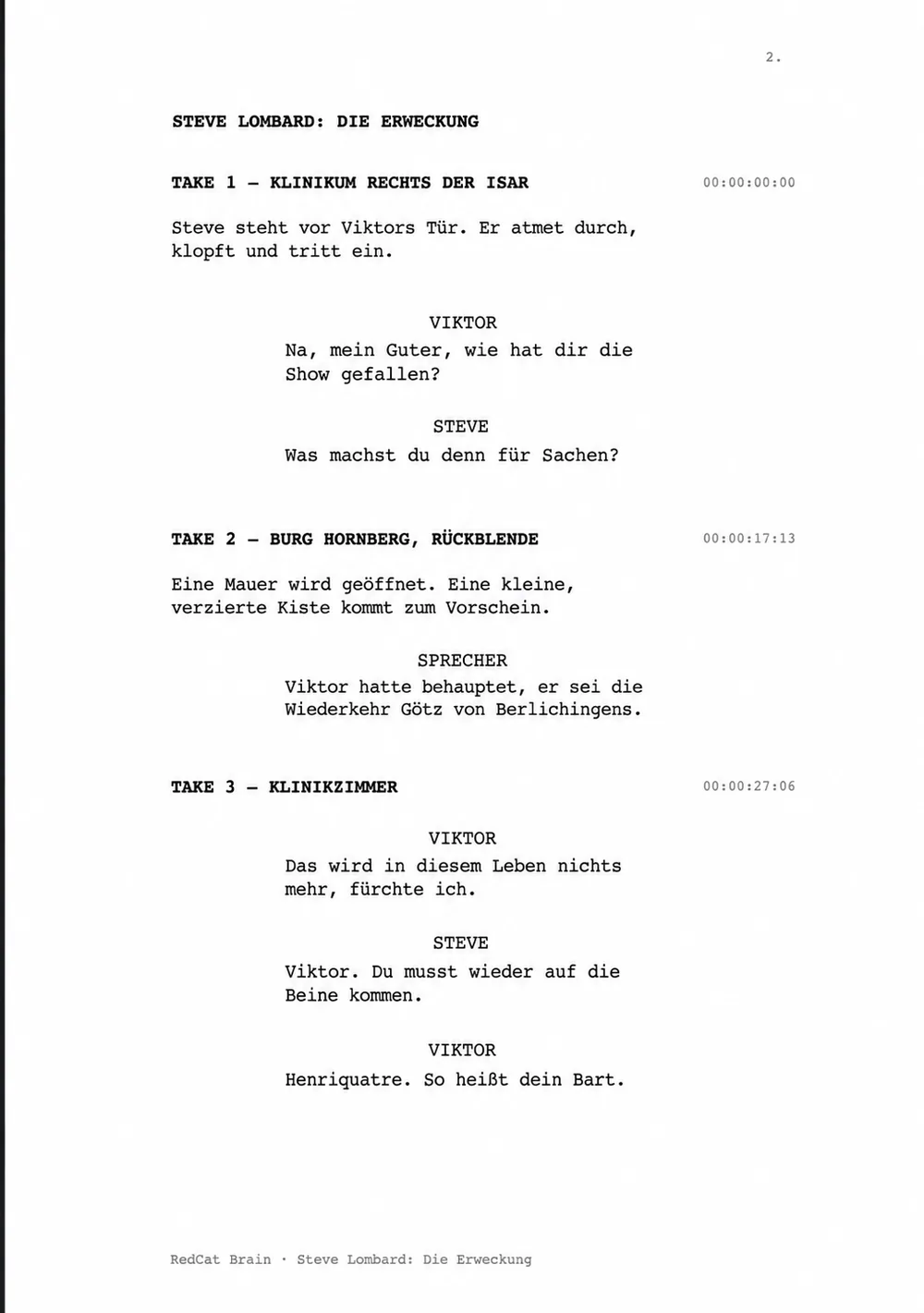
An outline becomes a scene; a scene becomes a take. Connect dialogue, characters, pictures, camera notes and estimated durations with timecodes. Reorder takes and keep the overall running time in sight. Character records can hold images, descriptions and roles; voice and role profiles can guide optional AI suggestions.
The example project is “Steve Lombard: Die Erweckung”: Steve visits the badly injured Viktor Thomas, whose story reaches back to Burg Hornberg and Götz von Berlichingen. Print a compact shooting overview or a quieter manuscript with cues and timings. These beta tools are still developing.
Journalists, editors & production teams
Keep the interview close to the story.
Record an interview, transcribe it and check its factual claims. Collect sources, shape an article angle and keep the next questions beside it. Audio, transcript, reviewed text and sources remain connected.
Link PDFs, saved web pages, articles and folders without having to reorganise the originals. For newsroom, podcast, video and location work, the collection remains useful after the first deadline. Assignment and production tools are part of the Mac app; future web and Windows versions are not yet public.
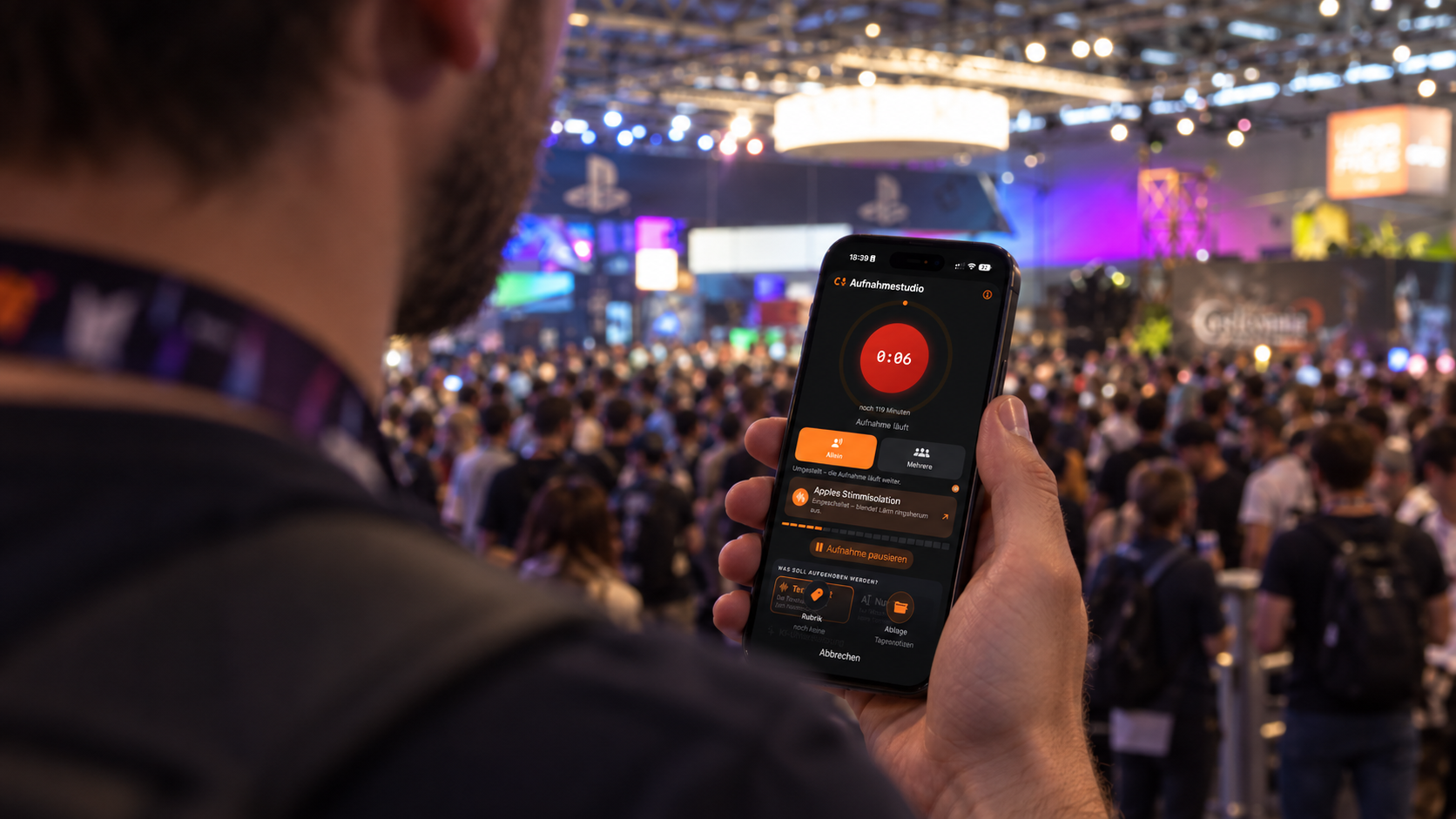
Reporting where it happens
Interview. Photograph. Next paragraph.
A bike ride, a site visit, an interview, damage in a flat, a journey or a purchase for a project: capture each part while it is happening. Speak or type, take a picture and continue.
Text, sound and images stay in the order of your experience. Assemble a report or travel diary and export a designed PDF on location, even as an intermediate draft. Text export lets you carry on elsewhere.
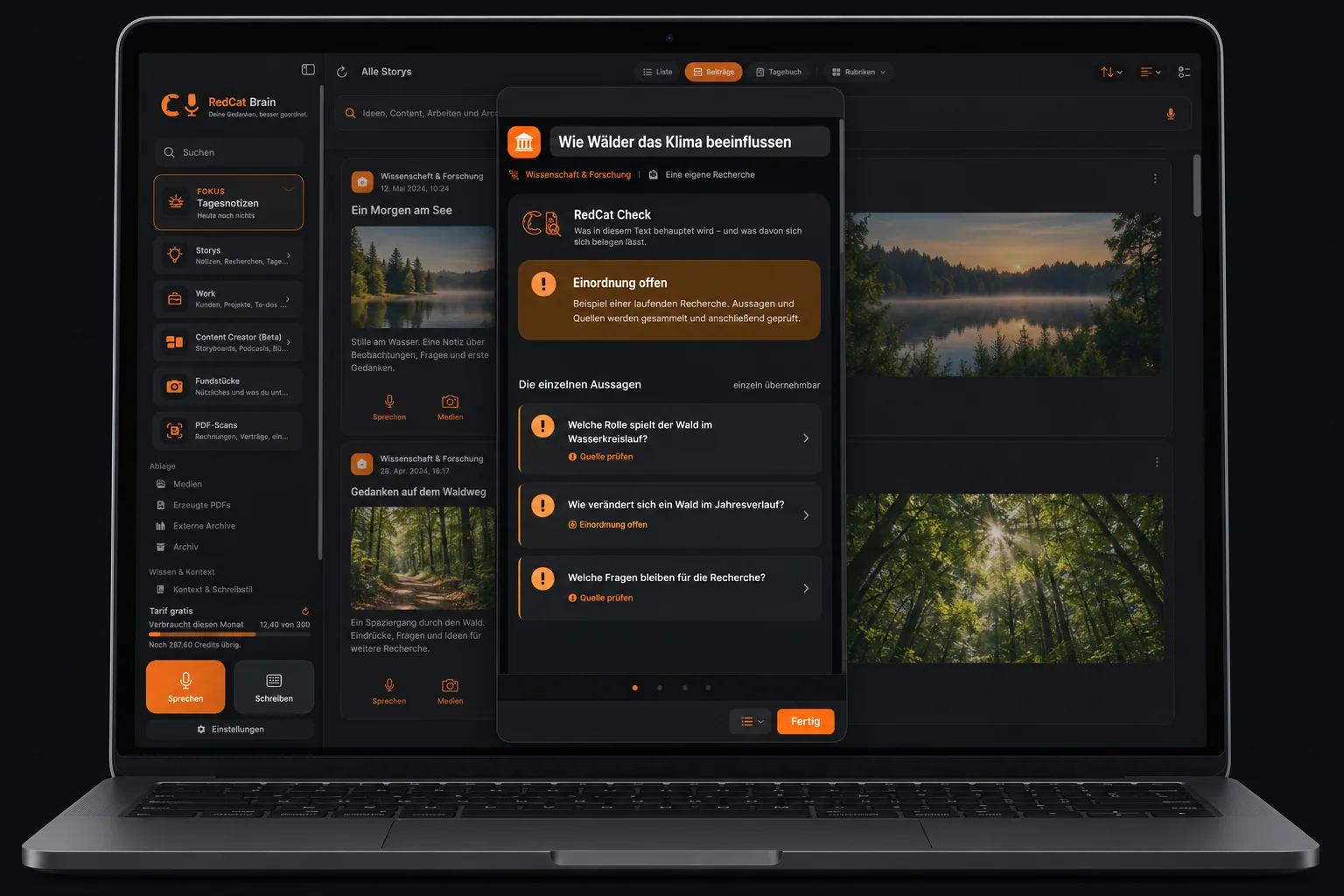
RedCat Check
Read the evidence, not just the verdict.
Check looks at verifiable statements individually, with reasons and sources. Supported, unclear, contradicted or disputed: the distinction should help you read, not replace your judgment. Opinion is not the same as a factual claim.
The check uses AI and online research. Sources can be incomplete, outdated or contradictory. Open the original sources yourself. A green label is not a certificate of truth. App view with fictional sample content. The interface is in German.
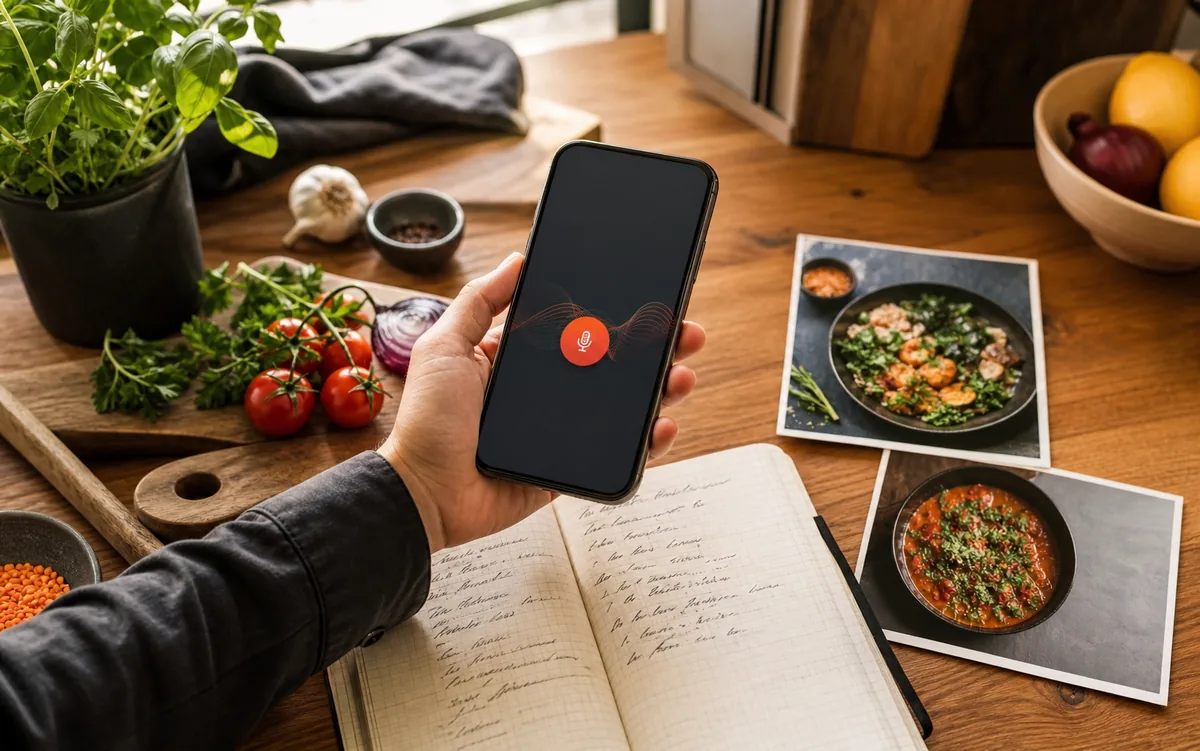
Recipes, plans & the everyday
Give scattered things somewhere to belong.
Dictate a recipe while cooking, add ingredients and a picture, organise it by season or occasion. Keep plans, sketches, PDFs and project material together without moving their original folders.
Travel ideas, plants, tools, books, a biography or a work journal: name collections in a way that makes sense to you. A loose thought can later become a task, a plan or a small recipe book to share as a PDF.
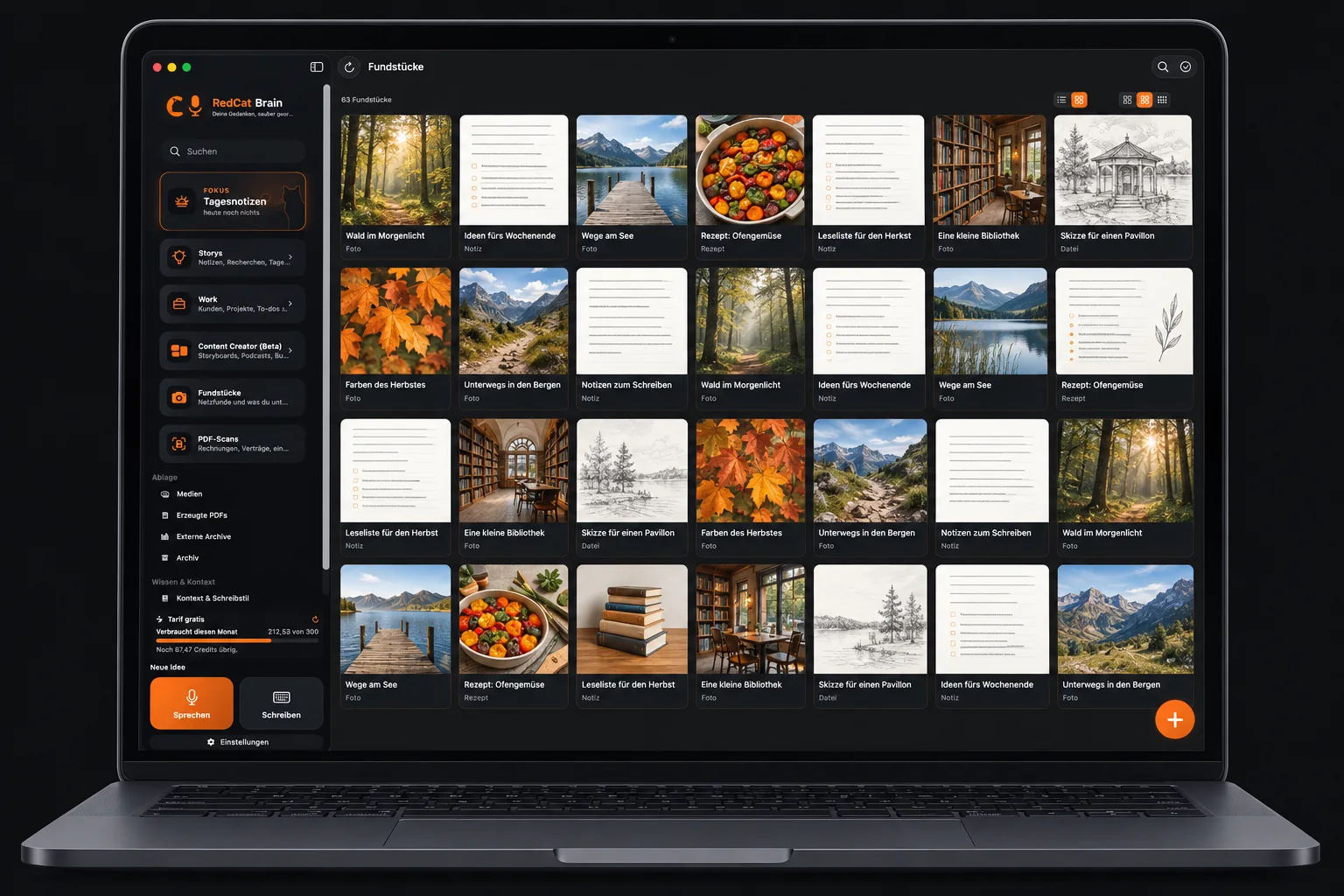
Fundstücke · finds & saved material
More than a bookmarked link.
You find the right chair in a shop. A photograph, price, place and your own note put it next to your renovation plan, not among thousands of camera images. Save a web address, its links and date alongside an article or interview; keep useful material as a PDF.
Text recognition makes words in screenshots searchable. Categories help organise new finds and can be changed. Open pages in the built-in browser; enter any required login on the relevant website. On iPhone, combine a photo with a spoken note. Keep the original accessible in your own archive.
PDF scanner & searchable documents
Later, search for the word on the page.
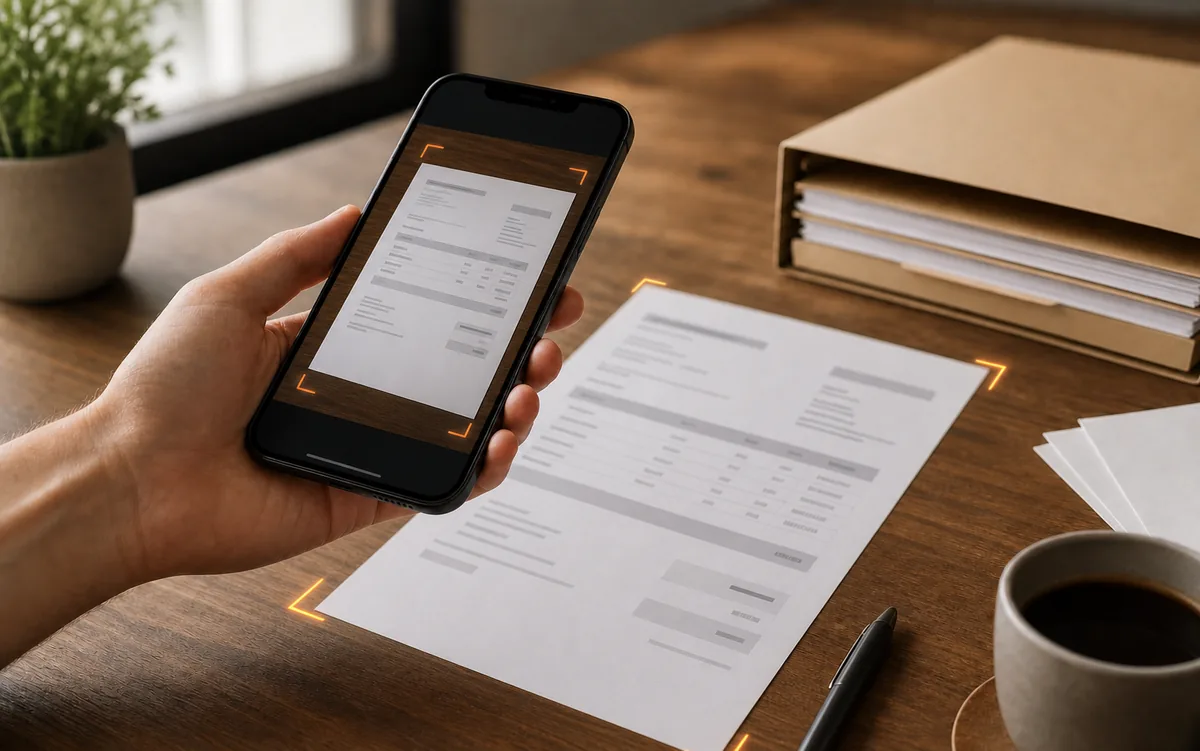
Capture a document: the scanner detects edges, straightens the page and recognises its text. Months later, a word such as “workshop” can lead you back to the actual receipt.
Title and category suggestions help with filing; correct them when necessary. Add existing PDFs, link documents to stories or assignments and keep them together. OCR can misread text, especially on poor scans. The illustration here is schematic, not a screenshot of private paperwork.
Find a topic, not just a word
“Where was my research about this?”
You remember the subject but not the title. Describe it in a whole question, spoken or typed. The question-based search looks for thematic connections in your own notes.
It uses online AI: your question and, where an index is missing, note text are processed. Ordinary text search is separate and can work locally with available text and OCR content. It is not a promise to search every file on your device.
Your files. Your decision.
It is still useful without generative AI.
Writing, recording, organising, reading local material, OCR, ordinary text search and PDF creation do not require generative AI. Choose local storage or your own cloud folder, such as iCloud Drive, Dropbox, pCloud or Google Drive.
The current Mac beta needs an account at startup. Speech recognition, syncing and external videos have their own connection requirements. Editing, Check, image generation and question search use online services and may consume credits. Current pricing and provider options are shown in the app.
Your surface. Your output.
Make it comfortable to return to.
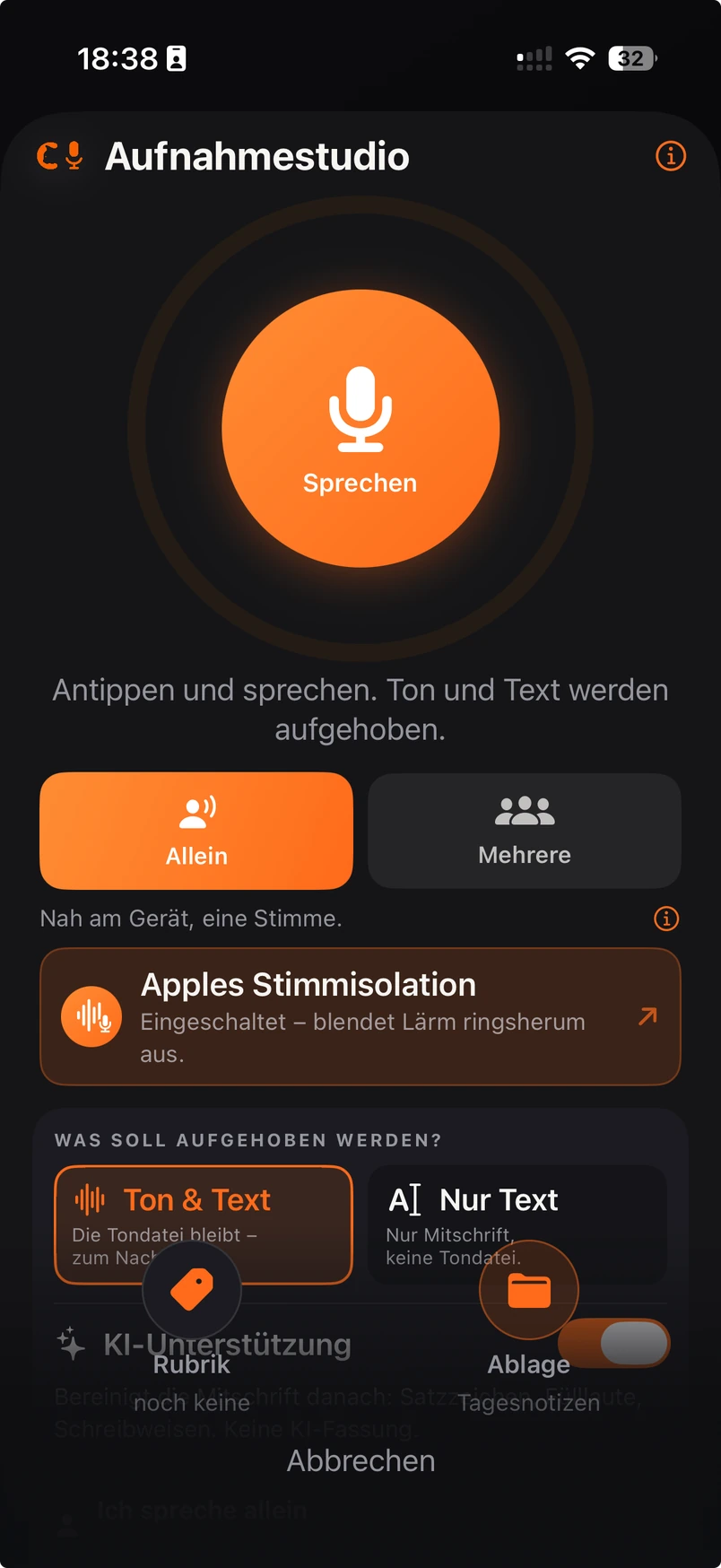
Eight interface colour schemes offer different ways to look at the same collection, from near-black to sage, warm sand and paper white. Your folders and contents do not change with the colour. Here we show the current dark interface; the other seven need current screenshots.
For PDFs, the current designs are Business, Klassisch, Magazin and Tagebuch. Preview before sharing. More templates and custom styling are possibilities for the future, not promised features today. On Mac, text exports include Word and plain text; iPhone offers RTF.
Mac, iPhone, iPad & Apple Watch
Catch it on your wrist. Continue at your desk.
If the phone is in your pocket, start a recording on Apple Watch. The watch retains it until the iPhone confirms receipt. Check that it has arrived before relying on the transfer.
The Mac beta is available for macOS 14 or later, Intel and Apple Silicon. The iPhone and iPad app is available in all supported app languages; the Apple Watch companion remains in testing. Windows, Linux, Android and web work are still in development. Availability may change during the beta.
Good to know before you begin.
Do I need to subscribe to a newsletter?
No. Read and confirm the two download notices to unlock the current Mac download. There is no email form here. The account required by the current Mac beta is separate.
Is the iPhone app available in English?
Yes. RedCat Moments follows the device language on first launch and can also be changed independently in the app settings.
Which version will I download?
The version designated in the published RedCat update file, not simply the newest file by date in a folder. If that file cannot be read or its download address is invalid, the button stays locked.
Is my stream public?
No. Strom is a posts view of your own collection. You decide what to share. Online AI functions and your own cloud storage have separate data-processing implications.
Free Mac beta · a personal project in development
Read first.
Then try it.
The Mac beta is free. No newsletter and no email form on this page. Read the notices and check both boxes to unlock the version currently published in the update file.
RedCat Moments is available in all supported app languages on iPhone and iPad. The Apple Watch companion remains in testing.
Download for Mac →